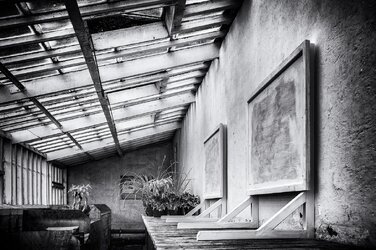
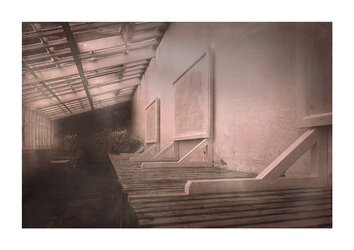
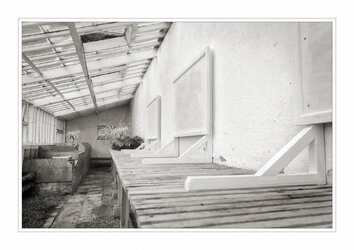
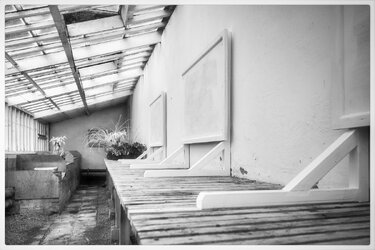
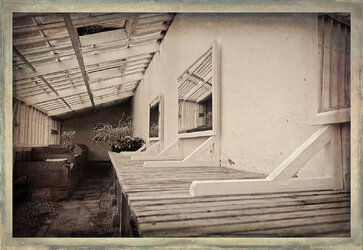
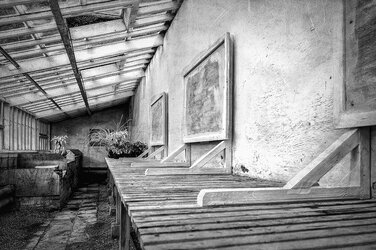
I said in an earlier post that I would (maybe) provide a base image for folk to have a go at if they wanted. So here is one:
https://onedrive.live.com/?cid=E0F14196B91AE44E&id=E0F14196B91AE44E!30308&parId=E0F14196B91AE44E!335&o=OneUp
(Hope you can download it) EDIT: This link does not work, so try thus:
https://ln.sync.com/dl/cb10edd20/vz794krf-zz3wur49-xa9tf3jw-9eran567
I will leave the link active for - say - a week, and then delete it. (Unless someone tells me before then that it is insecure in some way. I'm not used to using One Drive).
I took it recently at Felbrigg Hall in Norfolk. I thought that the white + shadows could make a good B&W image but got nowhere with it and so gave up processing. Be interesting to see what other folk come up with.
The only processing that I have done to the original RAW (=CR2) file is to correct lens distortion in Lightroom, and post to PS to convert it to a TIFF, so that (hopefully) it is in a format that everyone can use.
As I got nowhere with it I will not be posting my version (which doesn't exist at the moment) unless I get some ideas from you lot that encourages me to have another go.
I am about to go on holiday and so if there are problems with the file I may not be able to try to correct them for a week or so.
Good Luck
PS in terms of 'rules', my starting point is that 'Anything Goes' eg cropping, insertion of stuff from other images just so long as it meets the more general rules of the forum eg no 'colour'.
Last edited: