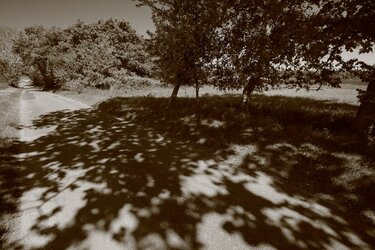
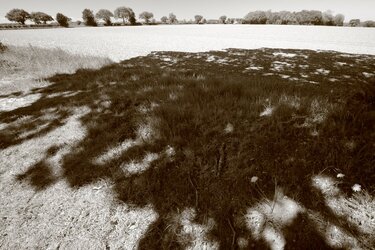
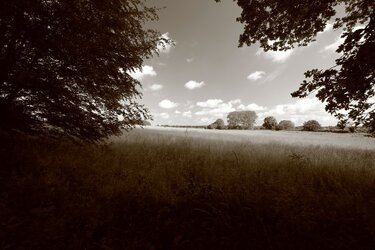
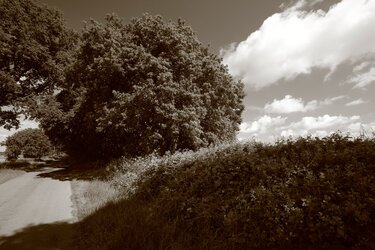
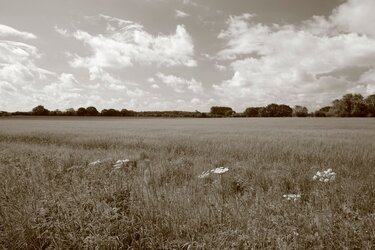
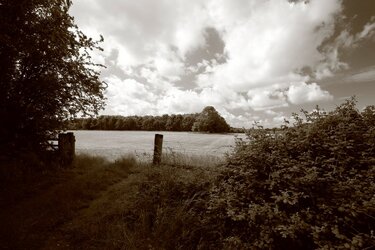
SOOC

I keep looking at them all. 1 & 2 (2 more) seem to have some lens distortion. How do you get the sepia tone in camera? I like looking at these.
 
I keep looking at them all. 1 & 2 (2 more) seem to have some lens distortion. How do you get the sepia tone in camera? I like looking at these.
thanks José
UWA lens hence a. bit of horizon bend when high in image. Set sepia in mono options in camera also minus contrast
Really I just use the jpg as an aide memoire for processing as often I rather like the [canon] camera's rendition considering the high DR of the images I tend to shoot.
 
The trick with jpeg images in the camera is to realise that they are very limited in dynamic range and need to be exposed in much the same way as transparency film, in that, if you don't get it right in the camera, there's very little chance of fixing it up afterwards. The image on the back of the camera is usually from the jpeg, even if you shoot in RAW, it's just that the camera does the processing to try and squeeze the actual dynamic range into an 8-bit file, rather than giving you the 12-14 bit files that are RAW. Written that way, it doesn't sound like much difference but, when you consider that 8 bits can only represent 256 levels of gray/colour but 12 bits can represent 4096 levels and 14 bit can represent 16,384, you get to realise just how little detail a jpeg file is capable of retaining.

Nonetheless, should I need them, my Nikon D810 produces jpegs that can still be processed to increase what is visible to a surprising level. The only downside is the lack of long smooth transitions between tones where the histogram looks a bit like a comb rather than a smooth curve.
 
The trick with jpeg images in the camera is to realise that they are very limited in dynamic range and need to be exposed in much the same way as transparency film, in that, if you don't get it right in the camera, there's very little chance of fixing it up afterwards. The image on the back of the camera is usually from the jpeg, even if you shoot in RAW, it's just that the camera does the processing to try and squeeze the actual dynamic range into an 8-bit file, rather than giving you the 12-14 bit files that are RAW. Written that way, it doesn't sound like much difference but, when you consider that 8 bits can only represent 256 levels of gray/colour but 12 bits can represent 4096 levels and 14 bit can represent 16,384, you get to realise just how little detail a jpeg file is capable of retaining.
Yes I know all that - I do also shoot RAW at the same time. Nonetheless I am quite impressed by the DR of the jpgs and the rendition, considering they are jpgs
;)
 
Several camera manufacturers now provide all sorts of 'in camera" processing for jpeg files. Nikon call it Picture Control.

Whatever you set in Picture Control affects how you see the preview on the back of the camera; you just need to remember that RAW files might contain an embedded preview jpeg, which may appear in some RAW processing software but, when you edit a RAW file, you will always get a RAW file, with none of the Picture Control settings, which are only applied to jpeg files.
 
Thanks Joanna,
Is there any end to the technology? I'm leaning back the other direction. There's no right or wrong way to go.
 
Back
Top