

OK @Toby Webster if you want me to get Nik working for you, just shout out, I'm more than happy to do it for you.
Not forgetting Nik v6 has just been released today.

OK @Toby Webster if you want me to get Nik working for you, just shout out, I'm more than happy to do it for you.

Not forgetting Nik v6 has just been released today.

Sounds good to me.Joanna, I originally forked out for the original Nik software, though I seem to have the google free edition as well. The current one I have dates to when DxO were still offering it to existing users without another charge. I'm happy to stay there if I can.

Joanna, anything new in NIK 6 worth spending $$$$ to get the upgrade?
What happens when you want to print or move the photograph to an online viewing platformI prefer to stay with RAW files all the way in DxO PhotoLab, FilmPack and ViewPoint all integrated.
What happens when you want to print or move the photograph to an online viewing platform
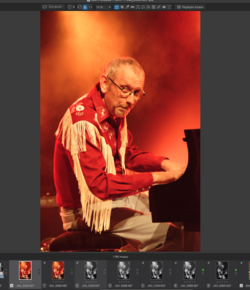
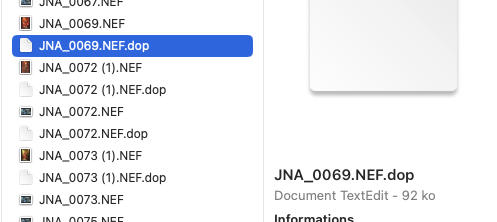
So they have gone the same way as Adobe by using sidecar files for storing the edits.Here is a screenshot of the DOP file next to the RAW file
So they have gone the same way as Adobe by using sidecar files for storing the edits
I am not a fan of these sidecar files
What colour space does DxO PhotoLab use?

Also be careful what doesn't work any longer. They made it very difficult to back out to the previous version when they broke version 4. Subsequently they claimed to have fixed the issue, but wouldn't make that fix available on the version it had been broken on. They wanted you to pay for a subsequent 'upgrade' to v5 fix a v4 problem. At the moment they seem to be dribbling out UI updates (aka v6) incrementally across each of the plugins in the collection in in a slightly cynical approach to charge you more than once for the same updates across the collection.I couldn't say since, even though I've got an old licence, I never use it, since it entails converting RAW files to TIFF or JPG before they can be used. I prefer to stay with RAW files all the way in DxO PhotoLab, FilmPack and ViewPoint all integrated.
It all sounds exhausting, or at least I feel exhausted having read it all.
I gave DxO a shot a few years ago, but I really didn't care for the interface. I should give it another go really
Given the amount of energy you apply to promoting it, Joanna, I'm surprised we haven't all long-since succumbed
My workflow for DSLR digital files takes me through ACR, PS & Nik, with a couple of other plugins here and there
I always retain the RAW (NEF) files, so the option remains to go back
Oh, you can't, but I've never felt the need to. Were I to go all the way back to the Raw file, it would be because I wanted to completely reprocess the photo from the beginning. Ive probably done it a couple of times.
You can also do all that in LR if you use profiles or presets (rather than Nik plugins 'uck put ping'And there you have the difference. With PhotoLab I can change any of the RAW settings, at any time, right up to exporting. And the DeepPRIME NR actually gets executed at the same time as the demosaicing, during the export. This also includes the application of automatic optical corrections, like distortion, vignetting, lens sharpening and chromatic aberration, for an enormous number of lens and body combinations
) to implement your film characteristics. There are some profiles (RNI films) that accurately simulate the highlight roll of of film. They compress the highlights but prevent burn out.
There is also 'community' out there that is furiously working out how to add noise back in to digital images
although it did seem to offer a variety of options
I couldn't find a way to convert to black and white without using a preset.
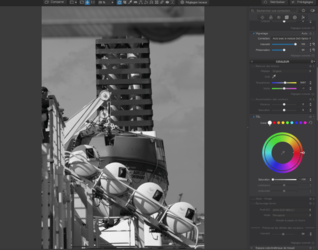
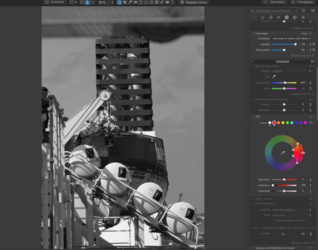
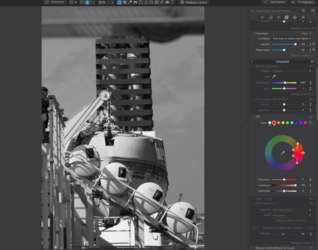
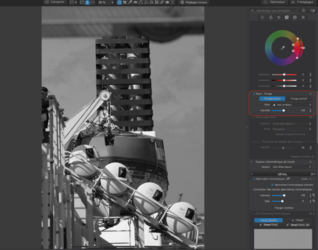
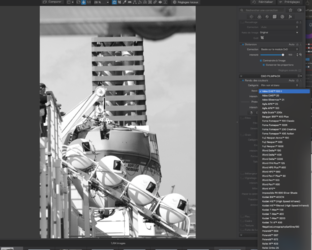
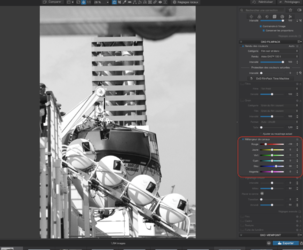
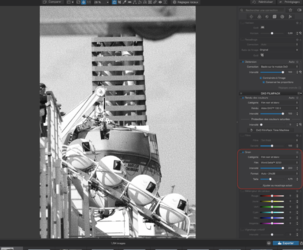
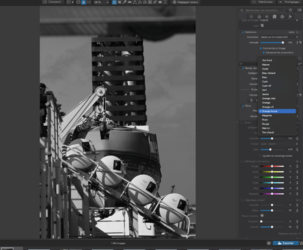
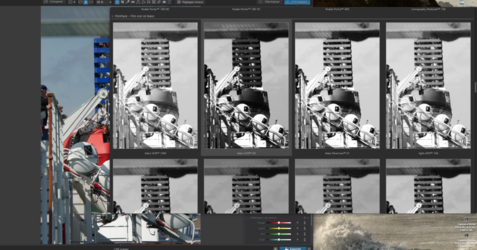
I am also a little confused at their new Wide Colour Space setting, they don't seem to mention how wide it is compared to ProPhoto nor could I find out what Gamma value it used
One of the guys (Wolfgang) on the DxO forums shared these diagrams