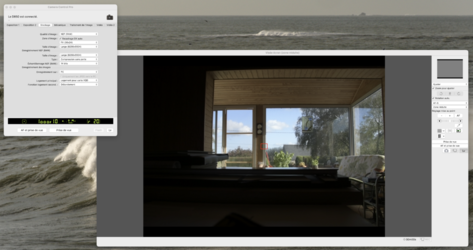
I have today discovered freebee tethering software that works with Nikon digital cameras: NX studio and NX tether. NX studio is photo editing software which, although not at the level of Lightroom, looks reasonably sophisticated. It can be coupled NX tether to be able to adjust basic camera settings and to fire the shutter remotely. I downloaded both applications and they are pretty intuitive (once you realise you need a tethering cable) and I was quickly able to take photos and download them to the computer simply by clicking on the shutter release icon on my laptop.
YouTube tutorial here:
Downloads here: https://downloadcenter.nikonimglib.com/en/download/sw/228.html
and here: https://downloadcenter.nikonimglib.com/en/products/578/NX_Tether.html
YouTube tutorial here:
Downloads here: https://downloadcenter.nikonimglib.com/en/download/sw/228.html
and here: https://downloadcenter.nikonimglib.com/en/products/578/NX_Tether.html