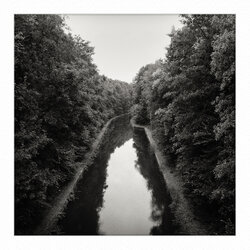
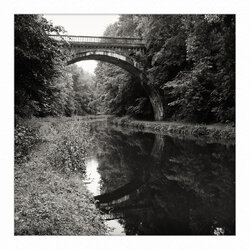
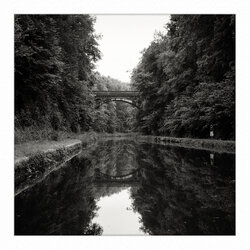
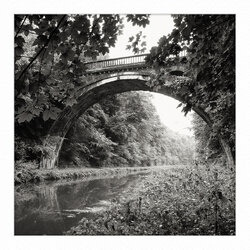
Belated thanks for the kind comments.
Thank you José, I have established a workflow in which I attempt to achieve a consistent style - my work tends to follow a narrative, so consistency is important to me. The slight drawback with this is that it tends to make you slightly unadventurous, so I occasionally deliberately try to push myself in a slightly different direction, or learn a new technique. Not in these photos though. I don't really know how long it took. I must have been a member of this forum for something like 5 or 6 years, and most of what I learned came from here.
I open the RAW in ACR with any initial adjustments deemed necessary, open in PS and convert to TIFF, and optimise the colour file using first levels, then Nik Color Efex using (subtly) Pro Contrast or (even more subtly) Tonal Contrast. I convert in SilverEfex (or Ian's Mono panel, which is an excellent alternative) using the colour sliders, then pass between ColorEfex (Pro Contrast, Darken/Lighten Centre and Graduated ND) SilverEfex (localised Structure and Contrast using Control Points) and PS (mainly History Brush to dodge and burn locally). I have a bespoke tone setting in SilverEfex for the platinum tone, which I reduce slightly for less dense images otherwise they can be too 'sepia', which I apply early on. I finally go back into ColorEfex and apply the Film Grain setting, which applies an overall adjustable contrast boost (Film Contrast). I usually pull the grain slider to 350-400 Grain per Pixel, so the effect is quite subtle, but it adds to the analogue look which I try to achieve. I am not generally a great fan of super-clean images, as they can look too 'digital', though I concede that Ian's work, for example, which is super clean, never looks digital!
I have to say that one of my favourite tools is the PS history brush, which Ian and Martin taught me here two or three years ago.
For web resizing I use Alex Nail's action, though I always take off the Strong Sharpen layer, and reduce Soft Sharpen down to about 75%. To print I use Qimage Ultimate, which is a brilliant, dead cheap RIP engine, which automatically sharpens according to the size of the print (I don't presharpen at all) and which produces prints (Epson 3800) which look exactly like the PS image.